Steam for Mac is a comprehensive digital gaming platform for Apple users seeking an expansive library of video games. Many players wonder about Steam Mac compatibility and performance on newer Apple Silicon devices like M1 M2 or M3. This guide explores how Steam operates on macOS the variety of games available and tips for optimizing your gaming experience. We cover installation common questions and future trends making it a vital resource for Mac gamers across the United States. Discover why millions are embracing Steam for their Apple machines and enjoying top-tier entertainment.
Q: Is Steam available for Mac computers?
A: Absolutely! Steam has been available for macOS for many years providing Apple users access to a vast digital storefront and gaming platform. You can download the official Steam client directly from the Valve website and begin building your game library today very easily.
Q: Can I play Windows-only games on Steam on my Mac?
A: Generally no you cannot directly play Windows-only Steam games on your Mac without additional software. Tools like Boot Camp for Intel Macs to install Windows or virtualization software like Parallels Desktop are needed. Apple Silicon Macs might use Crossover for some titles effectively.
Q: What kind of games can I find on Steam for Mac?
A: Steam for Mac offers a wide variety of games from popular indie titles to many AAA releases. The selection includes action adventure strategy simulation and puzzle games. Always check individual game pages for macOS compatibility details before purchasing to ensure playability.
Q: Is it difficult to install Steam on a Mac?
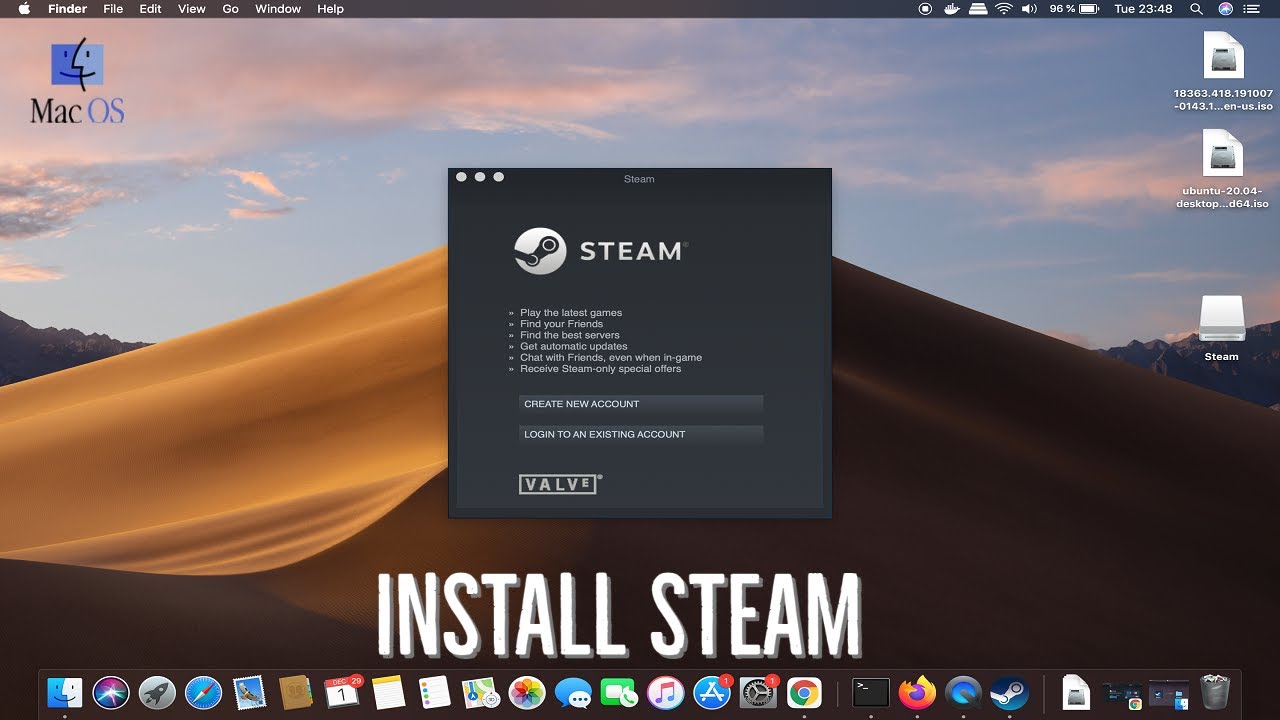
A: Installing Steam on a Mac is quite simple. You download the installer file from steampowered.com open it and drag the Steam application to your Applications folder. The client then guides you through the initial setup process which is quick and user-friendly for everyone.
Q: Do my Steam games transfer between a PC and a Mac?
A: Yes if a game is compatible with both macOS and Windows your purchase on Steam lets you download and play it on either platform. Cloud saves also often allow you to pick up your game progress exactly where you left off regardless of the machine you are using.
Q: Are games on Steam for Mac updated regularly?
A: Game developers and Valve regularly push updates for Steam games on Mac just like on other platforms. These updates can include bug fixes new features or performance enhancements. The Steam client handles these updates automatically keeping your games current and optimized for play.
Q: Does Steam support Mac multiplayer gaming?
A: Yes Steam supports multiplayer gaming on Mac for compatible titles. If a game has online multiplayer functionality and a Mac version you can play with friends regardless of their operating system PC or Mac through Steam's integrated network features.
Steam for Mac is a digital storefront and gaming platform developed by Valve Corporation. It allows users to purchase download and play a vast library of video games directly on their macOS devices. Since its launch Steam has continuously evolved. It brings PC gaming experiences to Apple users worldwide. It provides a central hub for game management community features and updates. Mac users can easily access their game libraries and connect with friends. This makes it a comprehensive solution for gaming on the macOS platform. The platform continues to adapt to new Apple hardware. This ensures a growing selection of compatible titles.
The question Is Steam for Mac often arises among Apple users today. Yes Steam is fully available for macOS offering a robust gaming experience. Many wonder about game selection for Steam on Mac. You will find thousands of games compatible with your Mac. This includes both exciting indie gems and thrilling AAA titles.
Compatibility can be a key concern for Mac gamers and Steam on Mac. Modern Macs especially those with Apple Silicon chips handle many games well. Performance continues to improve with ongoing software updates. Checking individual game requirements is always a smart move. Developers often optimize their titles specifically for macOS platforms.
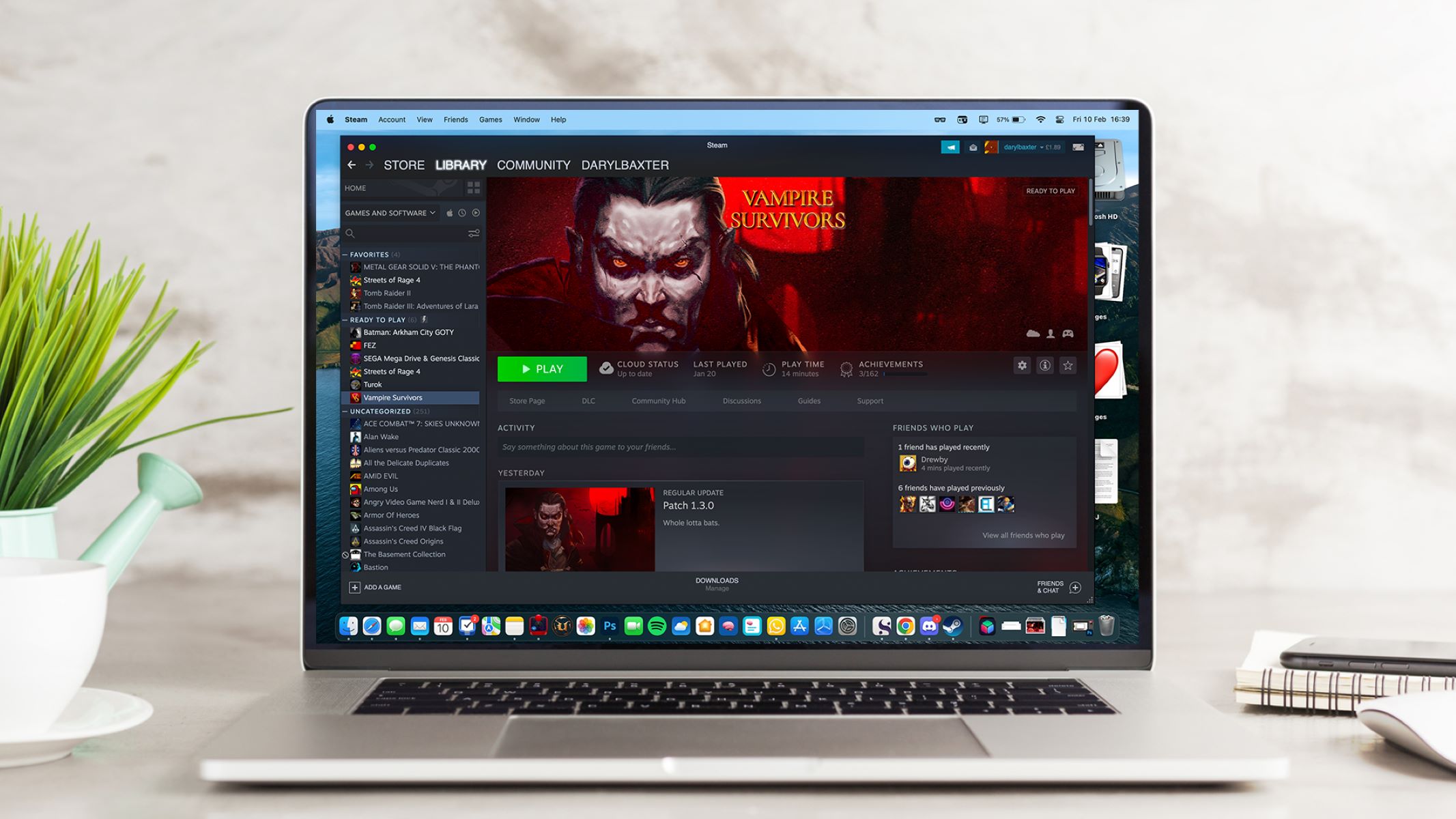
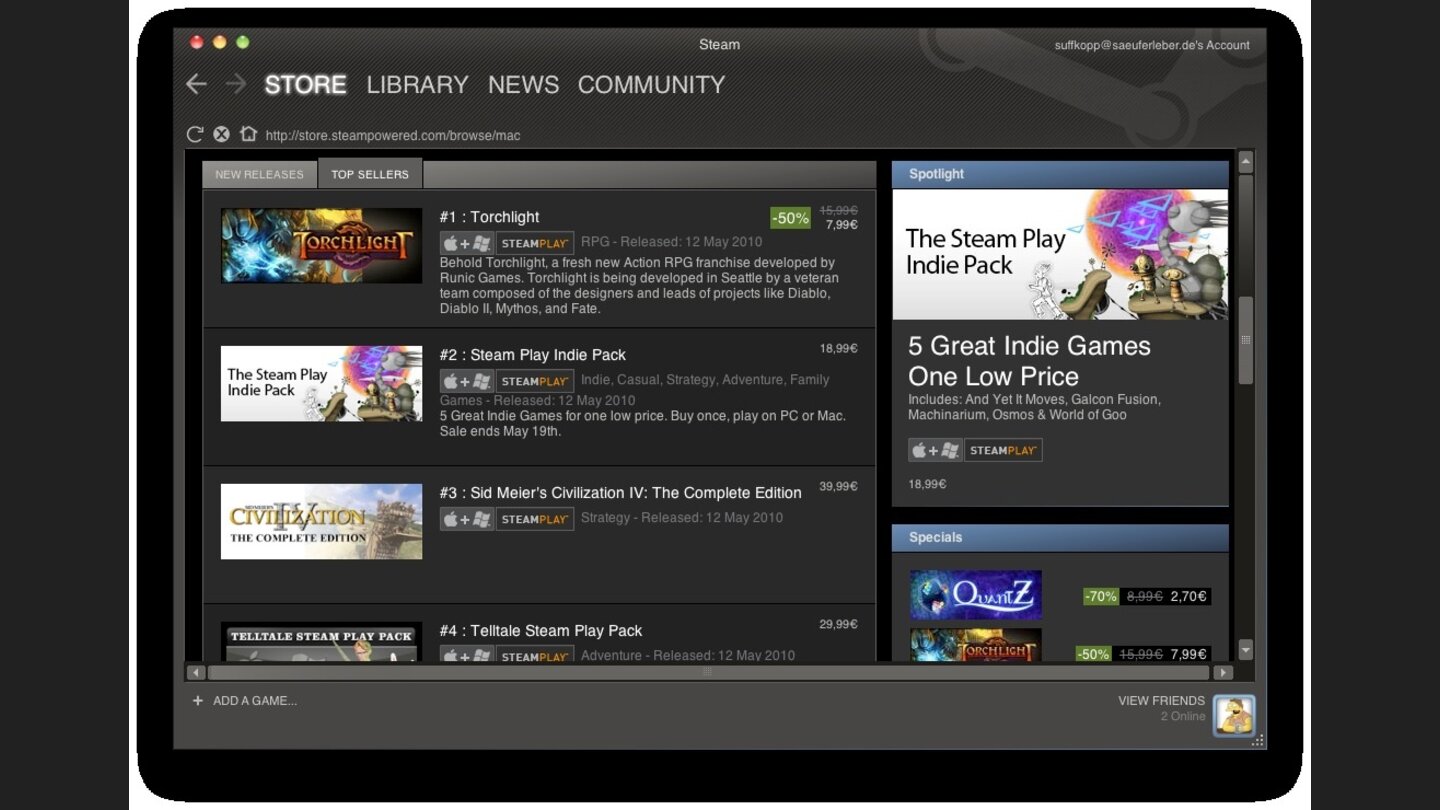
The Steam client on Mac mirrors its PC counterpart in functionality. You get access to your entire game library for Steam on Mac. Features like cloud saves and community forums are standard inclusions. Friends lists and voice chat are seamlessly integrated. This creates a familiar and social gaming environment for all players.
Future developments for Steam on Mac look incredibly promising. Apple is continuously advancing its hardware capabilities. More game studios are now actively considering Mac ports. This expansion means a richer gaming landscape for Mac users. Stay tuned for exciting new game releases coming soon.
What Others Are Asking About Steam for Mac?
Can I play all Steam games on my Mac?
Not all Steam games are compatible with macOS. While Steam offers a vast library specific games must have a Mac version developed by the publisher. Always check the game's system requirements for macOS compatibility before purchasing. Newer Apple Silicon Macs have expanded compatibility options improving your choices.
Does Steam run well on Mac with Apple Silicon M1 M2 M3?
Yes Steam generally runs very well on Macs with Apple Silicon M1 M2 M3 and M4 chips. Many games perform significantly better than on older Intel-based Macs often through native ports or Rosetta 2 emulation. Performance continues to improve with ongoing game optimizations and updates.
How do I download Steam on my Mac?
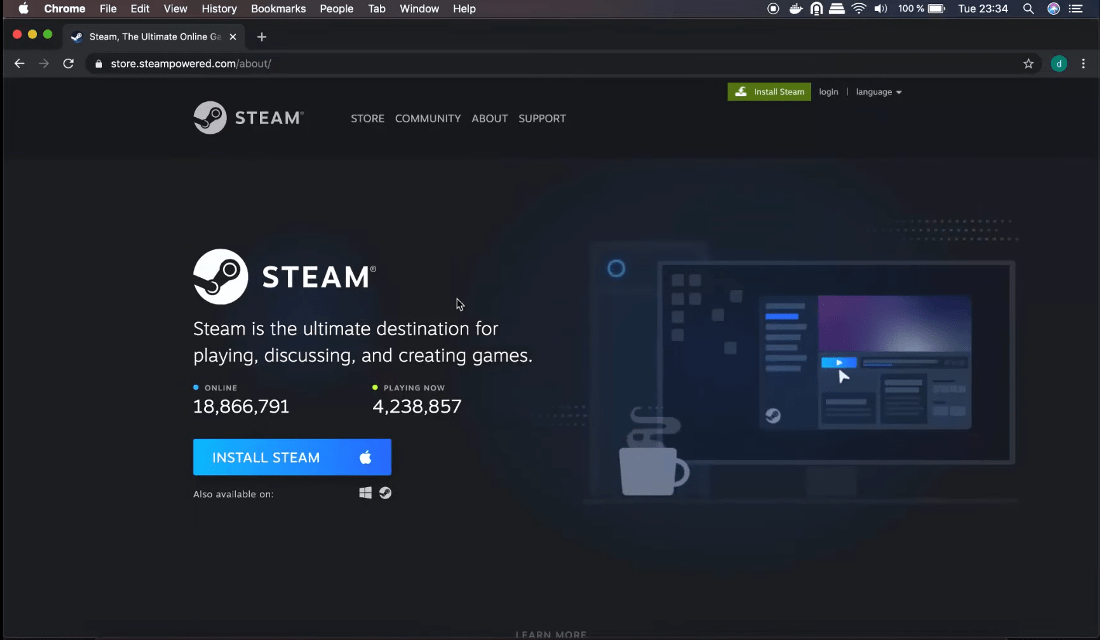
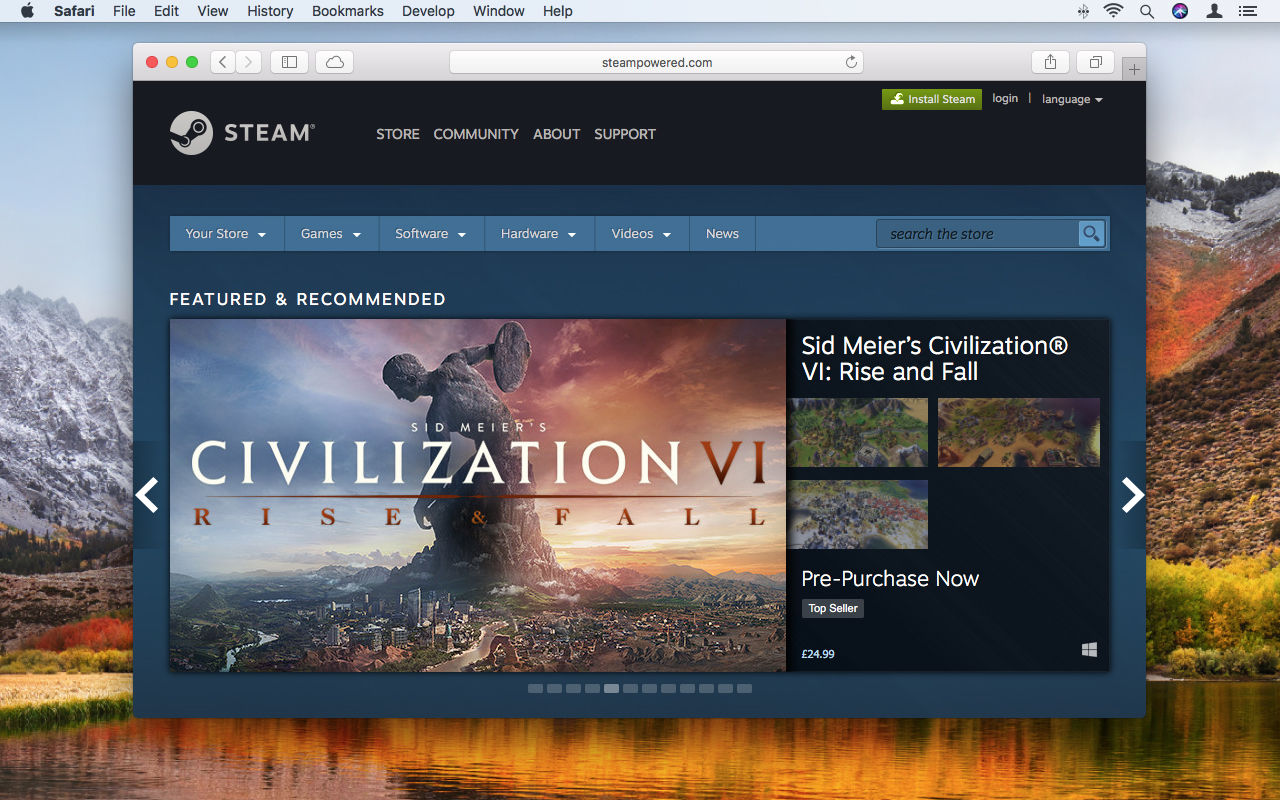
Downloading Steam for your Mac is straightforward. Visit the official Steam website steampowered.com and click the Install Steam button. Download the .dmg file open it and drag the Steam icon into your Applications folder. Launch Steam and follow the simple setup prompts to begin.
Is Steam free to download on Mac?
Yes the Steam client itself is completely free to download and install on your Mac. You only pay for the games you choose to purchase from the extensive Steam store. This allows you to browse the library and access community features without any upfront cost at all.
What Mac operating system do I need for Steam?
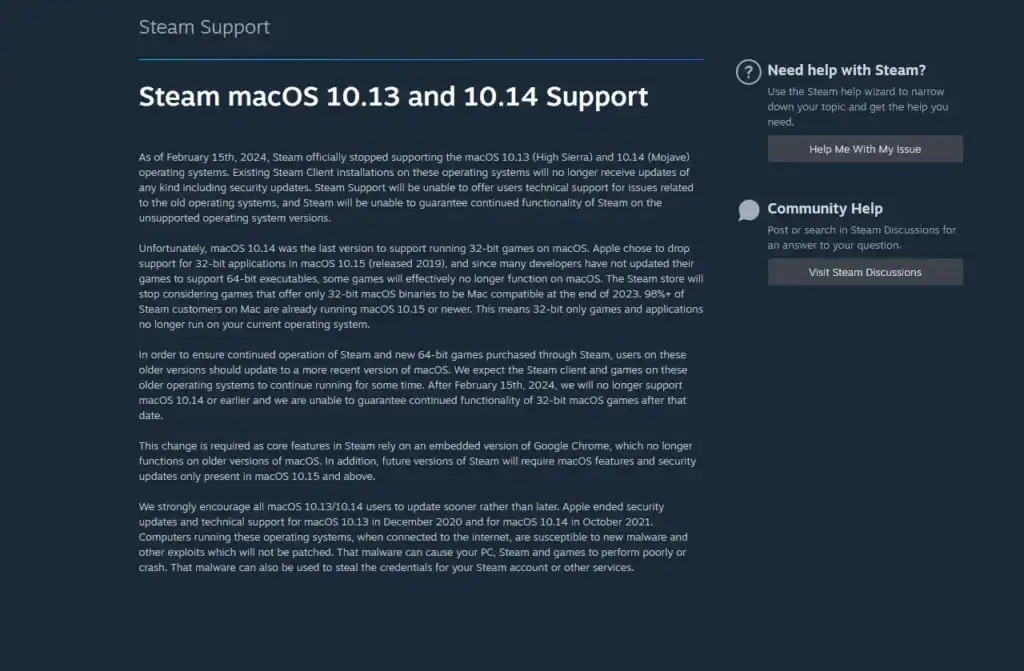
To run Steam on your Mac you typically need macOS 10.11 El Capitan or a later version. Valve regularly updates the client so ensuring your operating system is up-to-date helps maintain optimal compatibility and performance for the latest games and features seamlessly.
FAQ about Steam for Mac
Who uses Steam on Mac?
Mac users who enjoy PC gaming and want access to a massive library of titles utilize Steam. It caters to a diverse audience from casual gamers to dedicated enthusiasts seeking cross-platform experiences on their Apple devices.
What is Steam for Mac?
Steam for Mac is the macOS version of Valve's popular digital game distribution platform. It allows users to browse purchase download and play video games specifically optimized for or compatible with Apple's operating system environment.
Why should I use Steam on Mac?
You should use Steam on Mac to access a huge catalog of games benefit from robust community features and keep your game library organized efficiently. It provides a convenient centralized platform for your digital game purchases and enjoyable play experiences.
How do I improve game performance on Steam for Mac?
To improve game performance ensure your macOS and Steam client are updated. Close unnecessary background applications before playing. Lower in-game graphical settings for smoother gameplay. On Apple Silicon ensure games are running natively or through efficient Rosetta 2 translation.
Summary of Key Points about Steam for Mac
Steam is a thriving platform on macOS. It offers a vast library of games. Compatibility and performance are key considerations. Apple Silicon Macs show significant improvements. The client is free and easy to install. Always check game requirements. The future of Steam on Mac looks very bright. It promises even more exciting gaming opportunities for users.
Steam is fully available for Mac, game compatibility varies greatly, Apple Silicon significantly boosts performance, active community support exists, future developments promise more titles, Steam client is free to download and install, ensures a broad gaming ecosystem on macOS devices.
35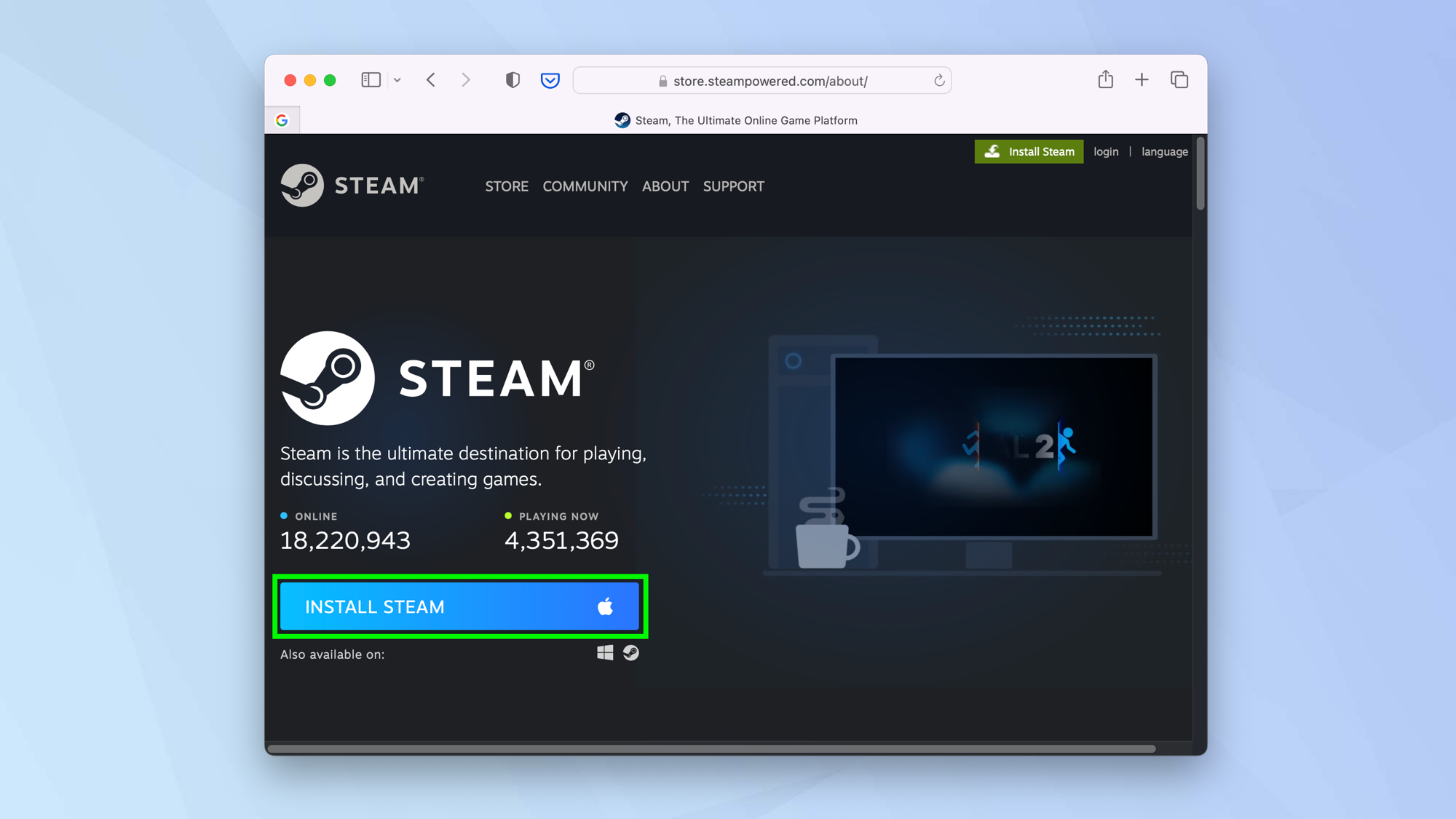


How To Install Steam On Mac Tom S Guide . How To Install Steam On Mac YouTube . Pbreka Blog How To Use Steam Mac 7 Filter 1280 . How To Use Steam On Mac To Download Install And Play Games Macworld How To Use Steam Mac 2 Downloads Button 1280 . How To Download And Install Steam On MacOS 1

How To Use A Game Controller On Mac With Steam Robots Net How To Play Windows Steam Games On Mac 1693978261 . How To Use Steam On Mac To Download Install And Play Games Macworld How To Use Steam Mac 1 Website 1280 . Ventas De Steam 2026 Calendario Fecha Completa Y Las Mejores Ofertas All Steam Events 2026. Steam For Mac How To Download Use Steam On Mac Macsteam. Steam For Mac How To Download Use Steam On Mac Steam On Mac


Steam For Mac Steam For Mac 2110739 . Apple S Budget MacBook Features Price And Release Date Geeky Gadgets 2026 Macbook Lineup Performance Upgrades Optimized . Major Discovery Steam For Osx Last Update 2026 AMAZON Major Discovery Steam For Osx Last Update 2026 . Valve Announces Steam Hardware Lineup Coming In 2026 Here S Steam Hardware Splash . 2025 Vs 2026 MacBook Pro Comparing The Upcoming M5 And M6 Models 2026 MacBook Pro Rumors 1024x538



Steam For Mac Steam For Mac 2110740 . Steam Sales 2026 Here S The Schedule For The First Half Of The Year 912cr476 . Apple 2026 MacBook Lineup Features Specs And More Geeky Gadgets Apple 2026 Macbook Lineup Overview Optimized . How To Install Steam On Mac Easy Step By Step Tutorial Game On Mac . How To Use Steam On Intel Based M1 Macs Steam For Mac


Steam Now Native On Apple Silicon Mac Beta Faster Speed QuantoSei News Steam Now Native On Apple Silicon Mac Beta Faster . Apple 2026 MacBook Lineup Budget M5 Air And OLED Pro Geeky Gadgets Budget Macbook 2026 Affordable. MacBook Pro 2026 With OLED Displays Release Date What To Expect From Macbook Pro 2026 M5 Chip 1920x1080 . Steam Sale 2026 Key Dates You Need To Know LevelUpTalk Steam Sale Schedule 2026 08 27 2025 7c35051e 2c22 4093 96f1. Apple S 2026 Could Be Its Biggest Pivot Year In A Decade Apple To Launch M5 MacBook Pro Soon M5 Pro And Max In Early 2026


Apple S Entire Mac Lineup Until 2026 Revealed In Leak Here S Every . Microsoft May Debut Arm Based AMD Chip In A Surface In 2026 Windows . Apple S 2026 MacBook Pro Major Revision Six Highlights Apple 2026 Macbook Pro Rumor . Steam Machine 2026 Why Valve Needs Retail Shelves The Outerhaven Steam Machine 2026 Image 01 . Steam Trains 2026 Wall Calendar 215886FA 3157 4649 8F62


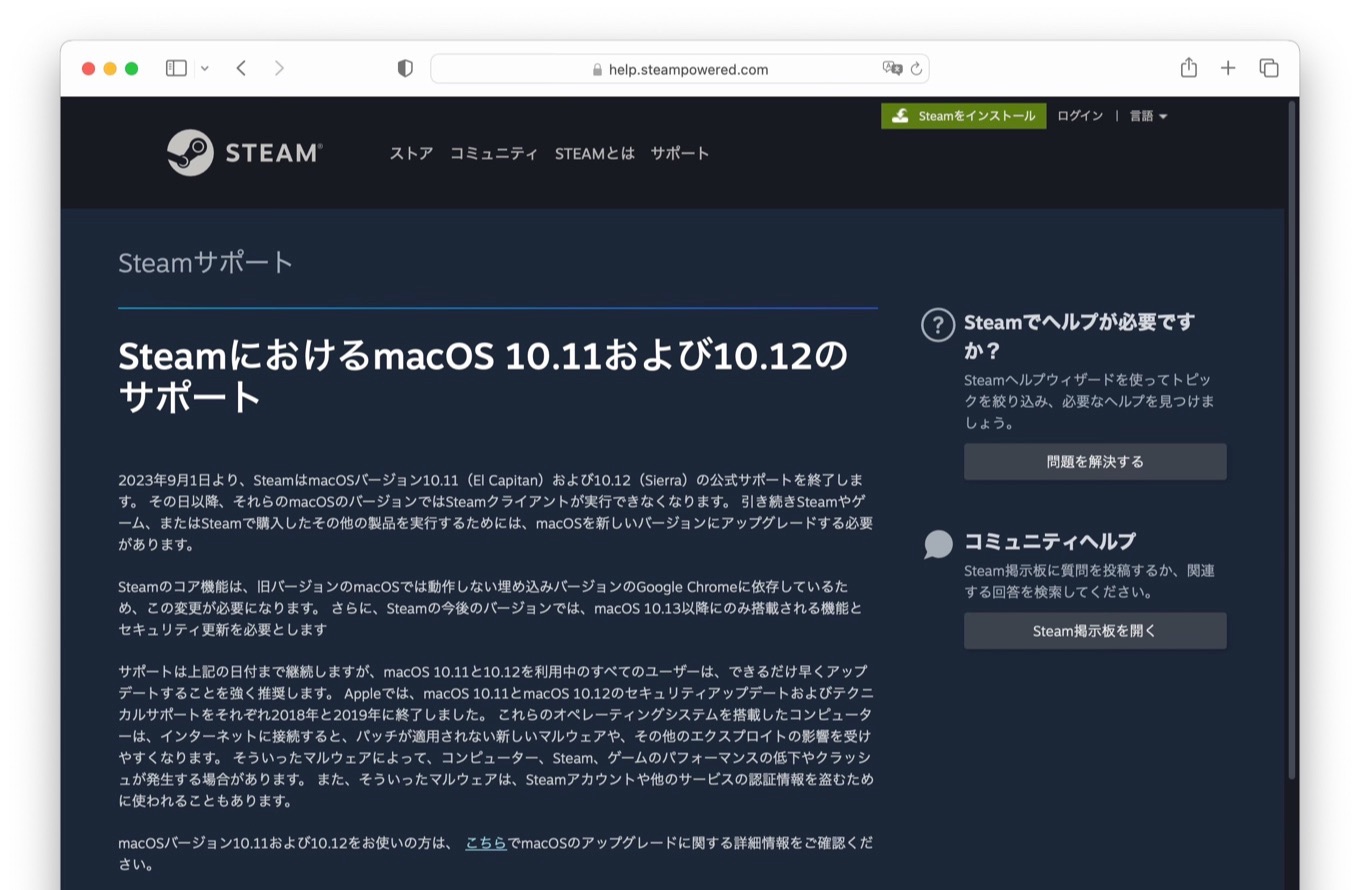

Steam For Mac Already Being Redesigned 4581942611 52454ea655 B1 . Valve Steam Machine PC Console Hybrid Launches Early 2026 Why It Could Valve Steam Machine 2026 Official Product Photo 1024x512 . Steam For Mac Becomes Fully Native On Apple Silicon In Beta Update . Steam 2023 9 1 OS X 10 11 El Capitan MacOS 10 12 Sierra Steam For Mac End Of Support OS X 1011 El Capitan And MacOS 1012 Sierra . 9to5Mac Page 2 Of 3396 Apple News Mac Rumors Breaking All Day Steam